
Create your first offer
This creates an Upsell & Cross-sell offer on your product pages, a good first offer for most stores.
Create the offer
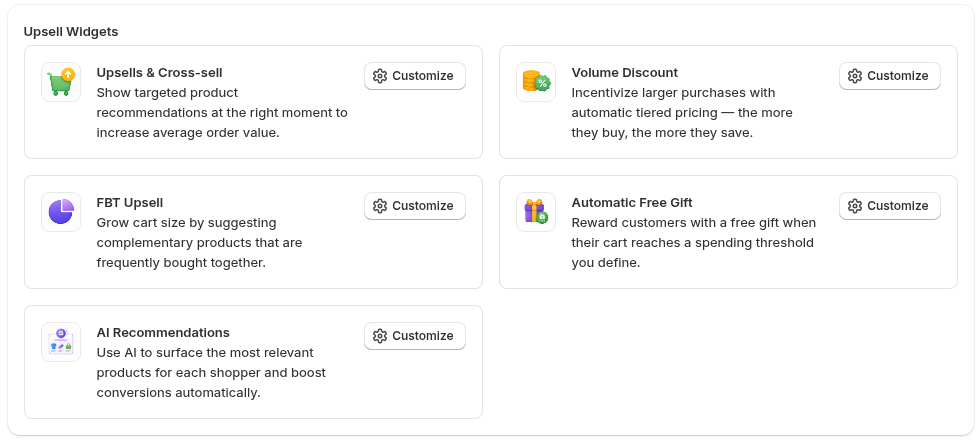
Section titled “Create the offer”- Go to Upsells in the app and open Upsells & Cross-sell.
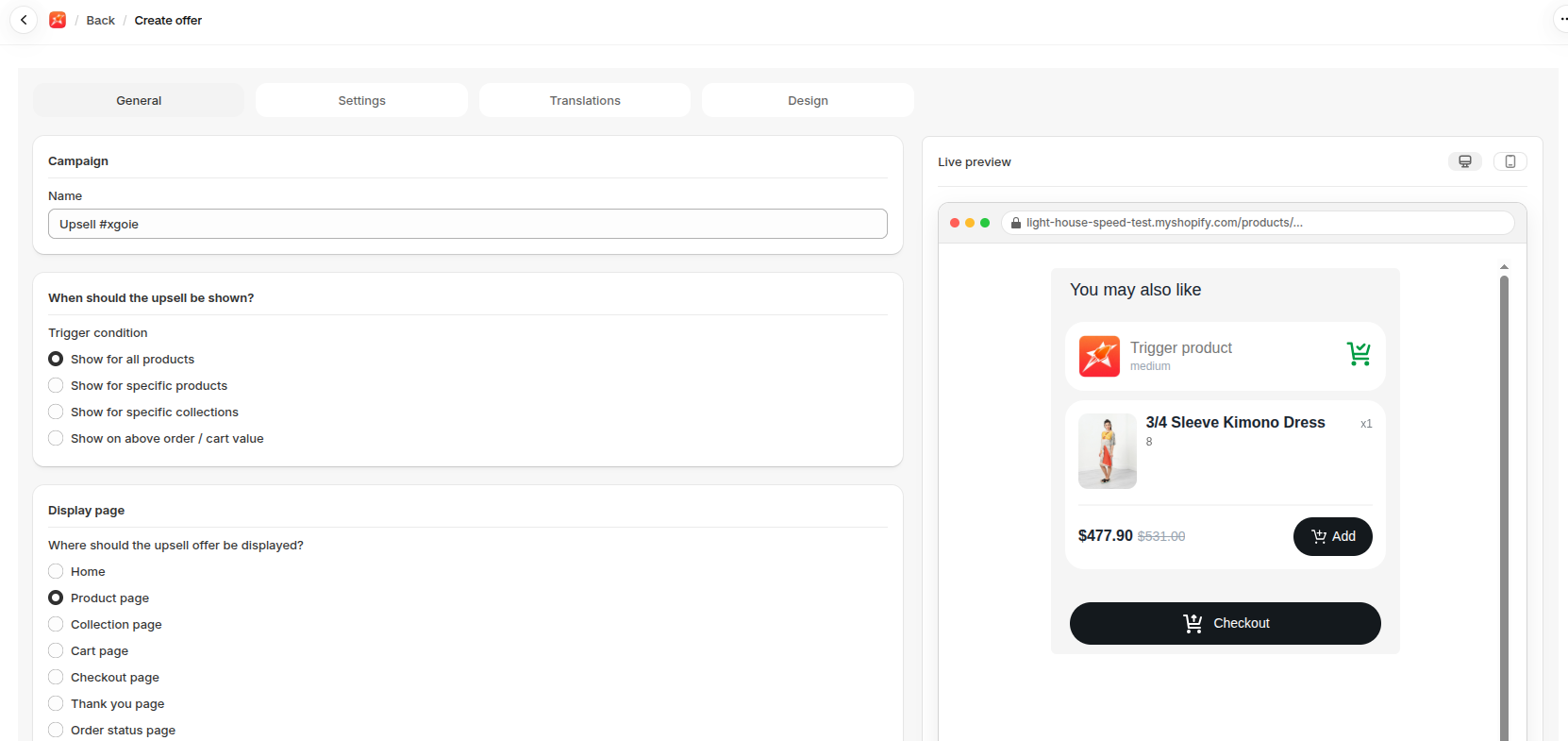
- Click Create.
- Enter a Name that only you will see.
- Keep Show for all products under When should the upsell be shown?.
- Choose Product page under Display page.
- Choose Embedded under Display type.
- Choose Cross-sell under Offer type.
- Choose the product to recommend under Discounts.
- Set the Discount type and Discount value, or choose None.
- Click Save.
Add the block
Section titled “Add the block”An embedded widget needs a block on your theme, so add one next. When Embedded is selected, the app shows a link, Click here to add the block, that opens the theme editor with the block ready. Click it, then click Save in the theme editor. See Add a widget block to your theme.