
Volume Discount
Offer a better price when shoppers buy more of the same product.
- Best for
- Consumables, gifts and products people buy in multiples.
- Shows on
- Product, cart and checkout (Shopify Plus only) pages.
- Needs a theme block
- Yes, for Embedded offers on product and cart pages. Checkout uses a checkout block.
When to use it
Section titled “When to use it”Use it when you can afford a lower margin per unit in exchange for more units per order.
Create the offer
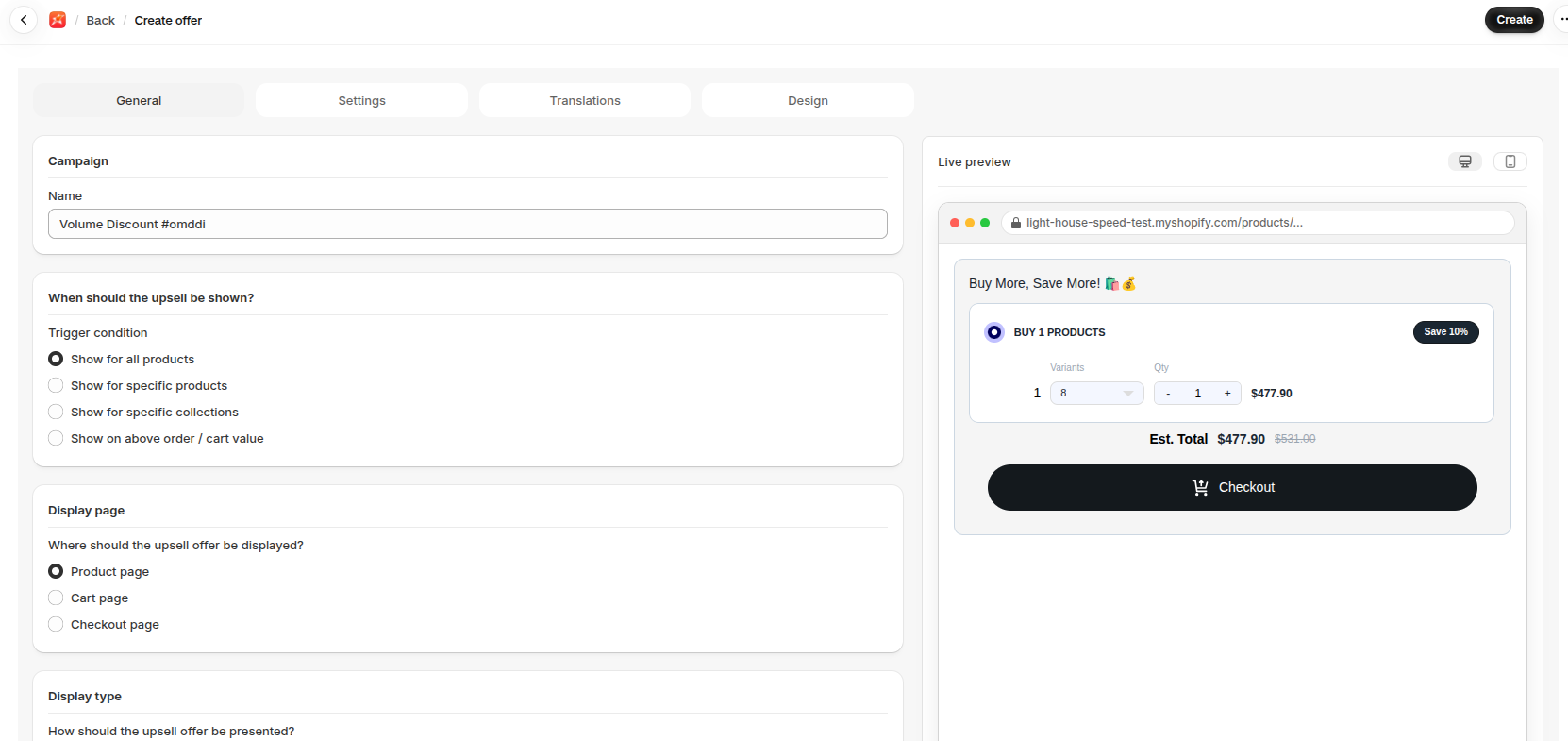
Section titled “Create the offer”- Go to Upsells, open Volume Discount and click Create.
- Enter a Name.
- Choose a Trigger condition.
- Choose a Display page and a Display type.
- Set Discount #1 under Discounts: the Discount type, Discount value and Minimum purchase quantity.
- Click Add More Offers to add more tiers, such as buy 2 and buy 3.
- Click Save.
Show it on your store
Section titled “Show it on your store”Embedded offers on product and cart pages need the Volume Discount block. See Add a widget block to your theme.
- Two or three tiers are easier to compare than many.
- Make each tier’s saving clear, and make the best deal worth reaching.
If it isn’t working
Section titled “If it isn’t working”- The Volume Discount block isn’t on the page.
- The trigger doesn’t match the product being viewed.
For the full checklist, see Troubleshooting.